
Every teacher knows the feeling — the syllabus deadline is close, students are waiting, and the lesson plan template is still blank. Between attendance registers, parent messages, and back-to-back periods, planning a genuinely engaging lesson often gets squeezed into the last twenty minutes before class.
This is exactly where an AI lesson plan generator earns its place in a teacher’s toolkit. Used well, tools like ChatGPT, Claude, and Gemini can turn a single instruction — “Plan a 40-minute lesson on photosynthesis for Class 9” — into a structured lesson with objectives, activities, and assessment ideas in seconds.
AI lesson planning isn’t about replacing a teacher’s judgement. It’s about removing the repetitive, time-consuming parts of planning so teachers can spend more energy on what actually needs a human touch — engaging the classroom.
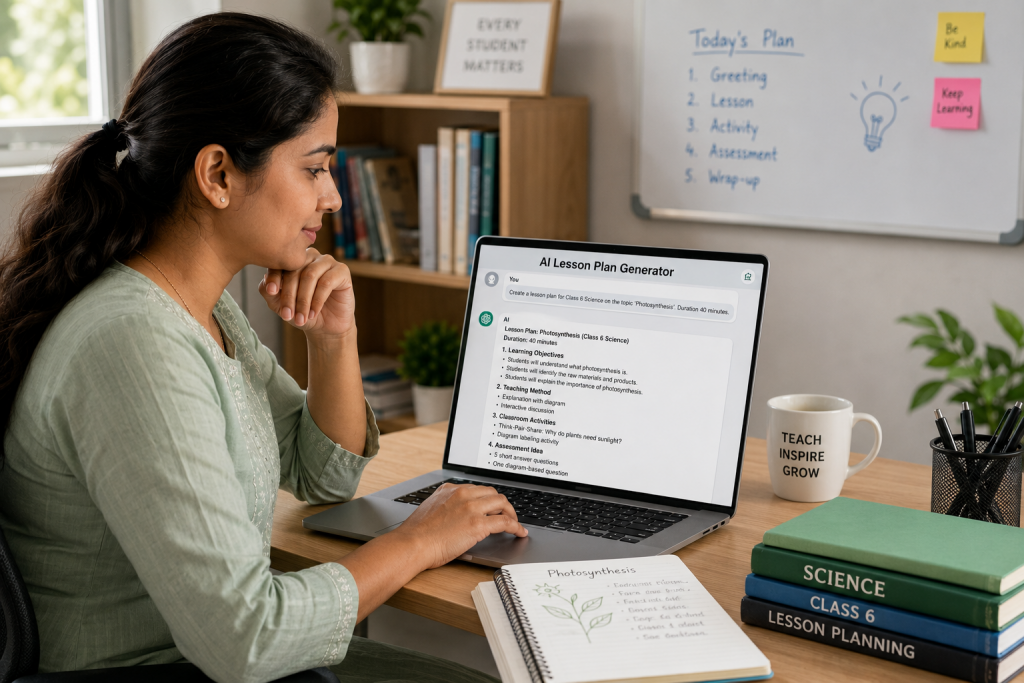
What Is an AI Lesson Plan Generator?
An AI lesson plan generator usually isn’t a specialised app. In most cases, it’s a general-purpose AI tool — ChatGPT, Claude, Gemini, or similar — guided by a well-written prompt that tells it your subject, grade, topic, and time available. Give it the right input, and it returns a structured draft: learning objectives, teaching method, classroom activities, and an assessment idea.
- Turns a one-line topic into a structured draft plan in seconds
- Adjusts tone, vocabulary, and complexity automatically by grade level
- Suggests activities, discussion questions, and quick assessments
- Can be revised instantly — “make it more activity-based” or “shorten it to 30 minutes”
- Works across subjects, equally useful for a Class 3 EVS lesson or an undergraduate economics lecture
What it won’t do: replace your classroom judgement, know your specific students unless you tell it, or substitute for curriculum-approved content. Always review an AI-generated plan before you teach from it.
Why Teachers Are Turning to AI for Lesson Planning
- It saves real planning time — turning a blank page into a first draft in under a minute, so you’re editing instead of starting from scratch.
- It handles the repetitive structure — objectives, methods, and assessment sections every lesson plan needs — so you can focus on your subject expertise.
- It supports differentiation quickly — ask for a modified version for a student with a learning difficulty, and you get one instantly instead of writing it from scratch.
- It helps you plan topics slightly outside your comfort zone, offering a sensible teaching structure you can then improve with your own expertise.
- It’s useful for backup plans — substitute lessons, revision sessions, or plans prepared in a hurry when timetables change at the last minute.
Ready-to-Use AI Prompts for Lesson Planning (By Teaching Level)
Copy any prompt below, fill in your subject, topic, and class, and paste it into your AI tool of choice. Treat the output as a first draft — review and adjust it to match your students and curriculum.
Prompts for Primary School Teachers
H3: Prompts for High School Teachers
Prompts for College & Higher Education Faculty
Bonus Prompts: Differentiation, Online Classes & Gamified Lessons
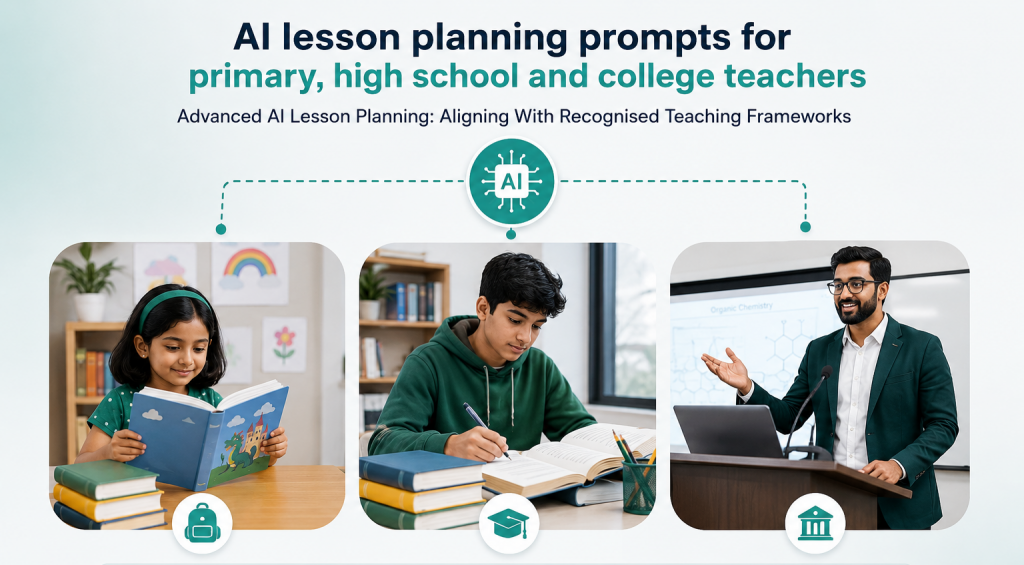
Advanced AI Lesson Planning: Aligning With Recognised Teaching Frameworks
Aligning Lesson Plans with NEP 2020
India’s National Education Policy 2020 pushes for experiential, competency-based, and holistic learning rather than rote memorisation. When planning lessons around this framework, be specific in your prompt about what “NEP-aligned” should mean for your class.
You can read the complete policy on the official NEP 2020 page hosted by NCERT
Applying Bloom’s Taxonomy with AI
Bloom’s Taxonomy organises learning goals into six levels — Remember, Understand, Apply, Analyse, Evaluate, and Create — moving from basic recall to higher-order thinking. Asking AI to build a plan around specific levels pushes it beyond simple fact-recall questions.
For a deeper explanation of each level, see Vanderbilt University’s Center for Teaching guide to Bloom’s Taxonomy
Building Competency-Based & Differentiated Lesson Plans
Differentiation is easiest to do with AI when you ask for multiple versions of the same lesson rather than one generic plan.
Beyond Lesson Plans: What Else Can AI Create for Teachers?
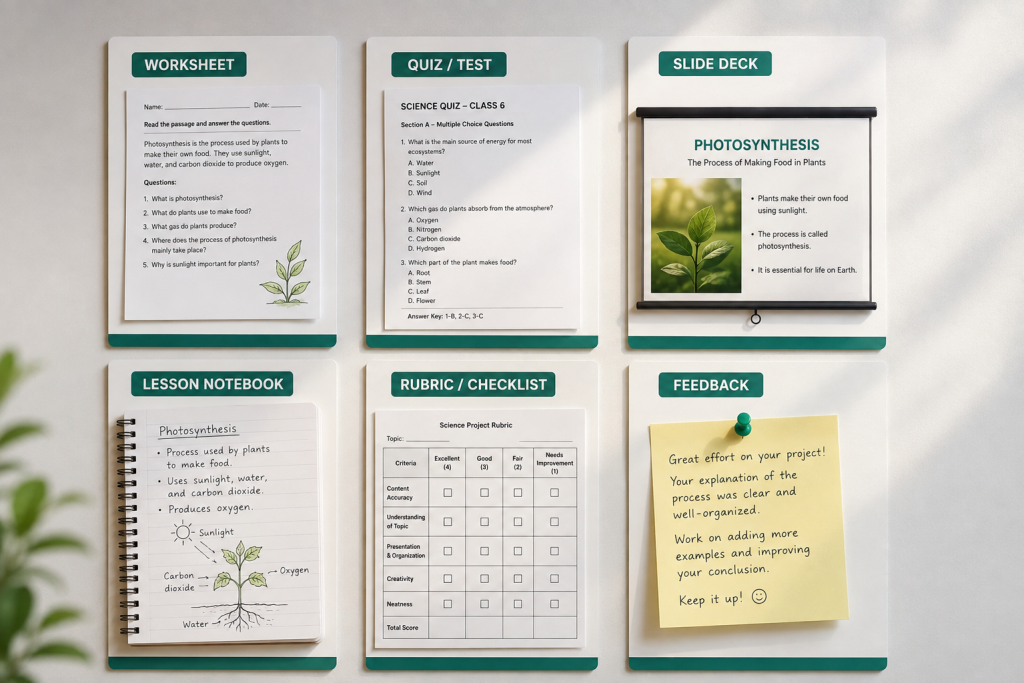
Lesson planning is only the starting point. The same prompting approach works for most of the materials that go along with a lesson:
- Worksheets — practice questions matched to the day’s lesson, ready to print or share digitally.
- MCQ tests & quizzes — question sets with answer keys, sortable by difficulty.
- Slide outlines — a structured outline you can turn into a presentation in minutes.
- Lesson summaries & notes — shareable recap notes for students who missed class.
- Revision plans — condensed, exam-focused review sessions before tests.
- Rubrics — clear scoring criteria for assignments and projects.
- Feedback drafts — starting points for personalised feedback on student work, which you then review and finalise.
The same prompting approach works well beyond lesson planning too — we’ve put together 48 ready-to-use prompts covering worksheets, parent messages, classroom activities, and admin reports in a free downloadable teacher toolkit.
📥 Get the Free AI Toolkit for TeachersChoosing the Right AI Tool for Lesson Planning
ChatGPT, Claude, and Gemini can all generate solid lesson plans — the differences show up in workflow, not raw capability. Rather than picking “the best,” it’s worth trying two or three tools with the same prompt and seeing which output style fits how you teach.
| Tool | Often Used For | Good to Know |
|---|---|---|
| ChatGPT | Quick drafts, brainstorming variations, wide plugin/app ecosystem | Broad general-purpose use; works well for fast iteration |
| Claude | Longer, well-structured documents; multi-part lesson plans and rubrics | Tends to follow detailed formatting instructions closely |
| Gemini | Lesson planning inside Google Workspace, syncing with Docs/Slides | Convenient if your school already works in Google Docs/Sheets |
Whichever tool you use, always fact-check subject content and cross-check it with your official textbook or curriculum before teaching from it.
What AI Still Can’t Do in the Classroom
- It doesn’t know your specific students, their pace, or classroom dynamics — unless you describe them in detail every time.
- It can occasionally get facts wrong, especially numeric, historical, or regional details — always verify before use.
- It doesn’t replace curriculum-body approval or your institute’s required lesson-plan format.
- It doesn’t manage what happens after the plan is made — attendance, homework tracking, grading, and reporting back to parents still need a system.
AI Can Plan the Lesson — But Who Manages What Happens Next?
This is the part most “AI for teachers” articles skip. Once a lesson plan is ready, a teacher’s real workload begins: taking attendance, distributing homework, conducting the actual assessment, evaluating it, and keeping parents informed of the result. AI can draft the plan in seconds — but running the classroom and the institute around it is still a daily, structured process.
- Turned an AI-generated MCQ quiz into a test? Conduct it as a timed online exam with instant auto-evaluation instead of manually checking papers.
- Planned an activity-based lesson? Track attendance for that session digitally instead of a paper register.
- Created differentiated worksheets? Assign and track them per student through a proper student records system.
- Generated a performance summary after a test? Share results and progress with parents automatically instead of one-by-one messages.
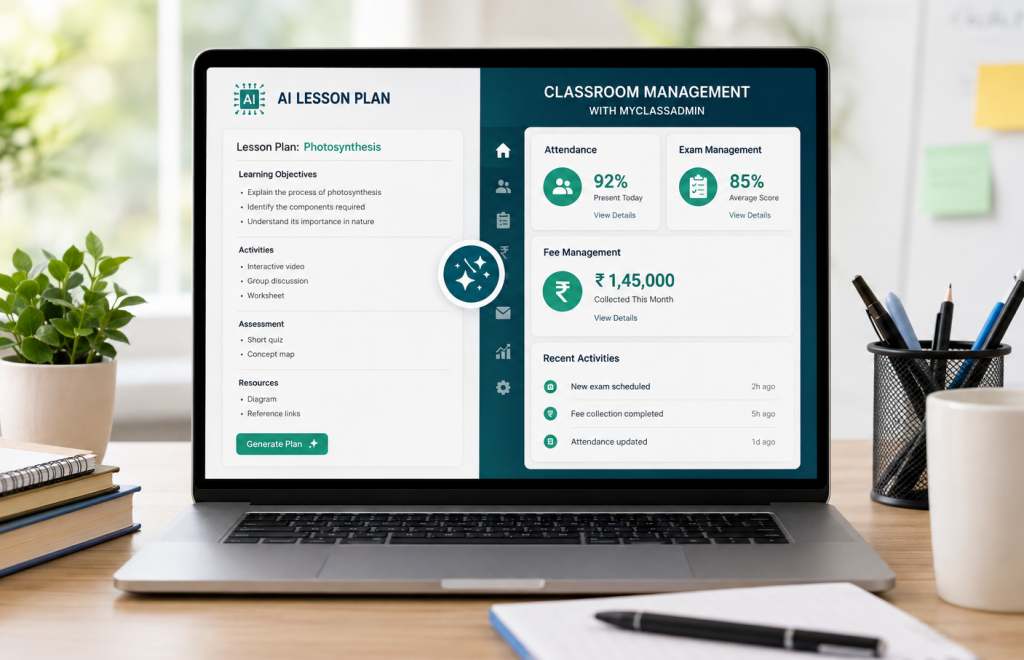
AI can plan the lesson. A platform like MyClassAdmin helps you run everything that happens after — attendance, exams, fees, and parent communication — from one dashboard.
Frequently Asked Questions
Q: What is an AI lesson plan generator?
It’s an AI tool — such as ChatGPT, Claude, or Gemini — used with a structured prompt to draft a lesson plan, including objectives, activities, and assessment ideas, in under a minute. It’s a starting draft, not a finished, classroom-ready plan.
Q: Is it safe to use AI-generated lesson plans directly in class?
A: Not without review. AI can occasionally get facts wrong or miss curriculum-specific requirements, so always check the content against your textbook and your institute’s approved format before teaching from it.
Q: Can AI create lesson plans aligned with NEP 2020?
A: Yes — if you specifically ask for it. Mention NEP 2020, competency-based
learning, or experiential learning in your prompt so the AI structures the plan
around those principles rather than a generic format.
Q: Which AI tool is best for lesson planning — ChatGPT, Claude, or Gemini?
A: There isn’t a single “best” — all three can generate solid
lesson plans. ChatGPT is convenient for quick drafts, Claude tends to follow
detailed formatting well for longer documents, and Gemini is useful if your
school already works inside Google Docs and Sheets.
Q: Can AI generate lesson plans for different learning
levels or disabilities?
A: Yes. You can ask AI to modify an existing lesson plan for a specific
learning difficulty, or to generate two versions of the same lesson — one for
students who need extra support and one for students ready to move faster.
Q: Can AI help with more than lesson plans, like worksheets and quizzes?
A: Yes. The same prompting approach works for worksheets, MCQ quizzes,
slide outlines, revision plans, rubrics, and draft feedback — all built around
the same topic and grade level.
Q: Do I still need my school’s approval for an AI-generated lesson plan?
A: Yes. AI-generated plans should go through the same review and approval process as any other lesson plan at your institute before being used in class.
Q: How does MyClassAdmin help after the lesson plan is ready?
A: Once a lesson is planned, MyClassAdmin helps you run it — conducting the actual test as an auto-evaluated online exam, tracking attendance, managing student records, and sending results and updates to parents automatically.
Make AI Part of Your Planning Process — Not a Replacement for Teaching
AI lesson plan generators are at their best as a starting point, not a finished product. Use the prompts above to cut your planning time down from hours to minutes, then bring in what only you can offer — knowledge of your students, your classroom, and your institute’s goals. And once the lesson is planned, make sure the rest of your day — attendance, exams, fees, and parent updates — runs just as smoothly.
See how MyClassAdmin helps you manage everything that happens after the lesson plan — schedule a free demo today.
About MyClassAdmin
MyClassAdmin is a School and Coaching Institute Management Software built for educational institutions across India. From student attendance and fee management to homework, report cards, and parent communication, it brings the everyday administrative work of schools and coaching centres into one connected platform, helping administrators and teachers spend less time on paperwork and more time on students.
Sales Enquiries: Vidya — +91-9503273330
Technical Support: 91-7775048333 | mailto: mailto:info@myclassadmin.com
Want to see how digital attendance works in your school?
Visit MyClassAdmin and experience hassle-free attendance management.